
Apple TV 4K, iPhone & iPad IPTV Setup (2027)
Apple TV 4K delivers flagship 4K HDR and 60fps IPTV playback, while iPhone and iPad let you stream live TV anywhere. Since TiviMate is Android-only, this 2027 guide compares the best Apple App Store players with instant Xtream Codes login and effortless iCloud playlist syncing.
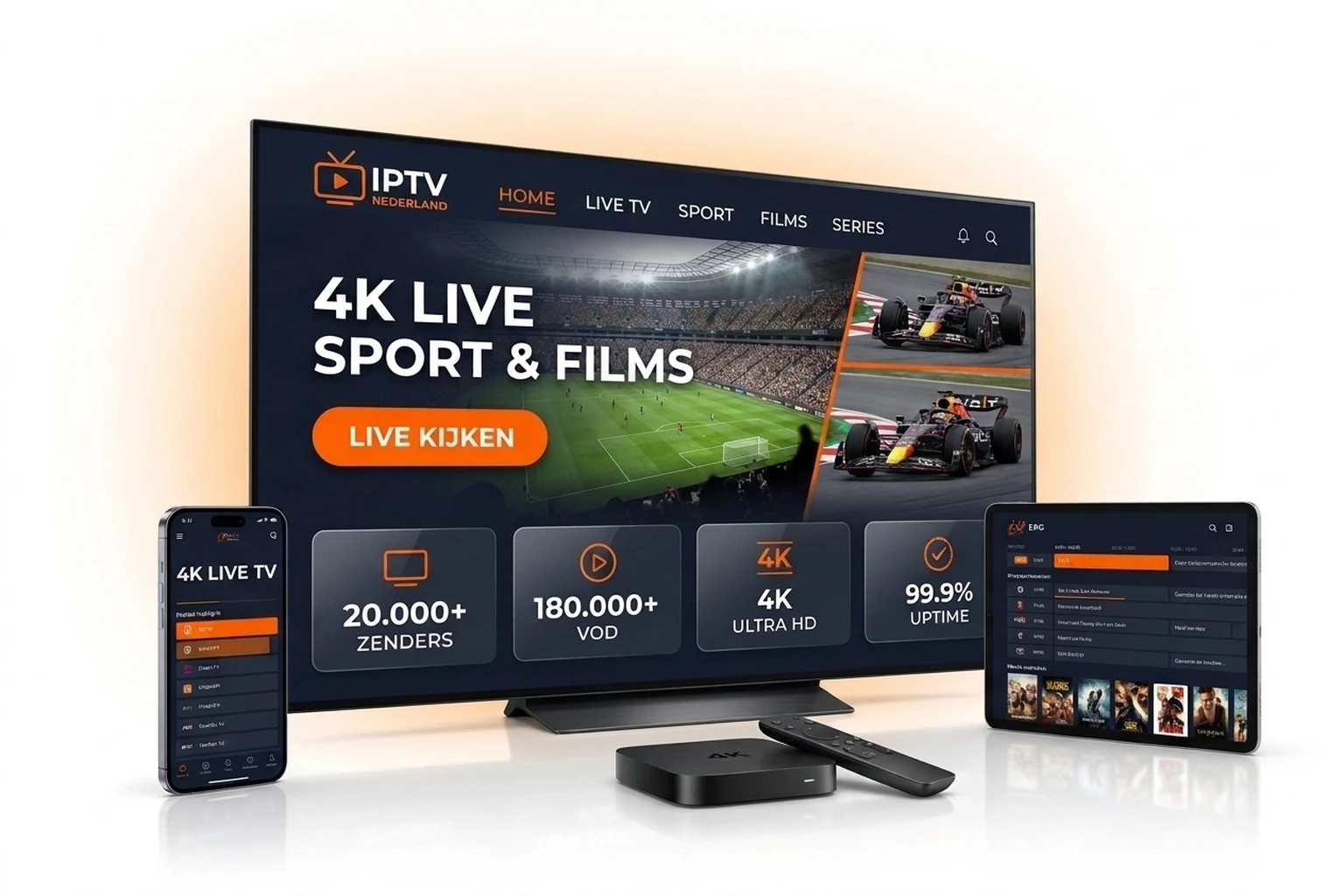
Step-by-Step Apple TV & iOS Installation
Step 1: Download UHF or Smarters Player Lite
Open the Apple App Store on your Apple TV, iPhone, or iPad and install 'Smarters Player Lite' (completely free) or 'UHF' (best if you want automatic iCloud syncing across devices).
Step 2: Add Playlist via Xtream Codes API
Tap 'Add Playlist' -> 'Xtream Codes API'. On Apple TV, either sign in on your iPhone first to sync via iCloud (in UHF/IPTVX) or use your iPhone remote keyboard pop-up to paste credentials without typos.
Step 3: Enter Your Nederlandse IPTV Credentials
Copy your exact details from your welcome email or WhatsApp confirmation:
- Playlist Name: Nederlandse IPTV 2027
- Host / Server URL: Your http:// server URL
- Username & Password: Your personal account credentials
Step 4: Enable Apple TV Match Frame Rate for Sports
Go to Apple TV Settings -> Video and Audio -> Match Content and switch ON both Match Dynamic Range and Match Frame Rate so 50fps European football and Formula 1 play with zero judder.
Best IPTV Apps for Apple TV, iPhone & iPad (2027)
| App Name | Price & Free Tier | iCloud Sync & UI Highlights |
|---|---|---|
| Smarters Player Lite | 100% Free (Live, VOD, EPG) | No iCloud sync · Classic familiar UI |
| UHF (Love your IPTV) | Free tier / ~€1/mo Pro | Full iCloud Sync · Sleek native tvOS UI |
| IPTVX | Free trial / Pro subscription | iCloud Sync · Apple TV Netflix-style look |
| GSE Smart IPTV Pro | Free / Paid Pro unlock | M3U & Xtream · Chromecast & AirPlay |
Pro Tips for Apple TV 4K & iPhone Streaming
Use iCloud Sync in UHF or IPTVX
Paste your Xtream Codes once on your iPhone and your full channel list syncs to Apple TV 4K in seconds.
Prefer Ethernet on Apple TV 4K
If your Apple TV 4K includes a Gigabit Ethernet port, use a wired LAN connection for instant zapping.
Stream While Traveling via 5G
Watch all Dutch and international channels seamlessly on iPhone or iPad across the EU and worldwide.
Apple TV & iPhone IPTV Frequently Asked Questions
What is the best free IPTV app for iPhone and Apple TV?
Smarters Player Lite is the top completely free App Store option for Live TV, VOD, and EPG. For the cleanest Apple-native UI with iCloud sync, UHF is our top recommendation.
Is TiviMate available on Apple TV or iPhone?
No, TiviMate is exclusive to Android TV and Fire OS. On Apple devices, UHF, IPTVX, and Smarters Player Lite offer matching speed and full EPG support.
Can I AirPlay streams from iPhone to my Smart TV?
Yes, apps like UHF and GSE Smart IPTV support AirPlay, though running a native app directly on Apple TV or Smart TV offers higher 4K stability.
Can I test a 24-hour free trial on Apple TV 4K?
Yes! Request your free 24-hour trial on our test page or WhatsApp (+1 737 666 8628) to try any Apple app in 4K.
Try Apple TV 4K & iPhone Free for 24 Hours
Claim a free 24-hour trial or subscribe from €12.99/mo (use code IPTV2027 in cart for €5 off).
More Setup Guides & Direct Order
Explore guides for other devices or order your subscription online: