
Install & Configure TiviMate IPTV (2027)
TiviMate is widely recognized as the premier IPTV player for Android TV, Google TV devices, and Fire TV Stick. Follow this tutorial to connect your Nederlandse IPTV subscription in under 3 minutes via Xtream Codes for seamless 4K sports and cinema viewing.
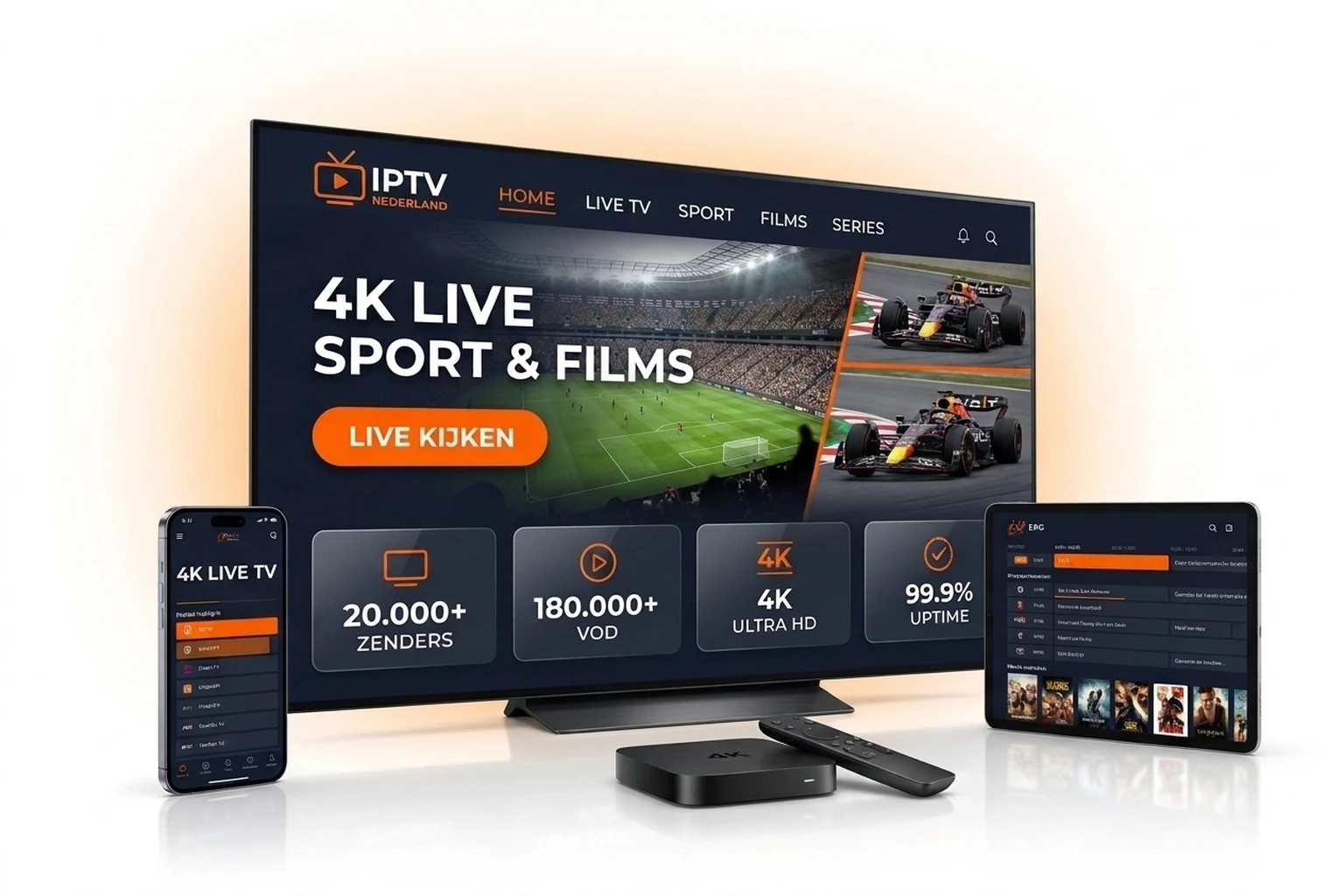
Step-by-Step TiviMate Installation
Step 1: Install TiviMate App
Open the Google Play Store on Android TV or Chromecast and search for 'TiviMate IPTV Player'. On Amazon Firestick, sideload via Downloader.
Step 2: Add New Playlist
Launch the app and click 'Add Playlist'. Select 'Xtream Codes' for faster channel indexing, instant EPG loading, and category organization.
Step 3: Enter Your Server Credentials
Input your subscription details provided in your welcome email or WhatsApp message:
- Server URL: Provided in your credentials email
- Username: Your assigned account username
- Password: Secure account password
Step 4: Enable EPG and Finish Setup
Ensure 'Include VOD' is enabled to enjoy over 60,000 movies and series. Click 'Done' to let TiviMate sync channels and TV schedules.
TiviMate Free vs. TiviMate Premium Comparison (2027)
| Feature | TiviMate Free | TiviMate Premium + NL IPTV |
|---|---|---|
| 4K UHD Playback Quality | Supported | Supported with Hardware Acceleration |
| Playlist Count | 1 playlist max | Unlimited M3U & Xtream playlists |
| Electronic Program Guide (EPG) | 1 day only | Full 7-day EPG with Catch-up |
| Favorites & Group Management | Basic | Advanced multi-group customization |
| Multi-Screen View (Up to 9 screens) | Not available | Fully supported |
| Recording & Scheduled DVR | Not available | Schedule recordings to internal/NAS storage |
Pro Tips for TiviMate Performance
Enable Hardware Decoding
In TiviMate Settings -> Playback -> Video decoder, select 'Hardware' to ensure 60fps live sports stream with zero frame drops.
Connect via Wired LAN
Whenever possible, use an Ethernet cable or 5GHz Wi-Fi band to eliminate wireless interference.
Auto-Update EPG Guide
Set EPG update interval to 'Every 24 hours on start' to keep program listings current.
TiviMate IPTV Frequently Asked Questions
Is TiviMate IPTV Player free?
TiviMate offers a free tier. To unlock multi-screen, recordings, and custom playlist groupings, TiviMate Premium is highly recommended.
Does TiviMate work on Samsung or LG Smart TVs?
No, TiviMate is exclusive to Android TV and Fire OS. For Samsung Tizen or LG webOS TVs, use IBO Player Pro or IPTV Smarters.
How fast is channel zapping in TiviMate?
Peered directly at AMS-IX datacenters, channel switching averages under 0.5 seconds with zero buffering.
Ready to Test TiviMate with Ultra-Crisp 4K Streams?
Choose a plan starting at €12.99/month or request your 24-hour test now.