
Install & Configure IPTV Smarters Pro (2027)
IPTV Smarters Pro is one of the most widely used free IPTV players across Smart TVs, Android TV, Firestick, Windows/Mac, and iOS (as Smarters Player Lite). With its clean category tabs for Live TV, Movies, and Series, you can sign in via Xtream Codes API in under 2 minutes.
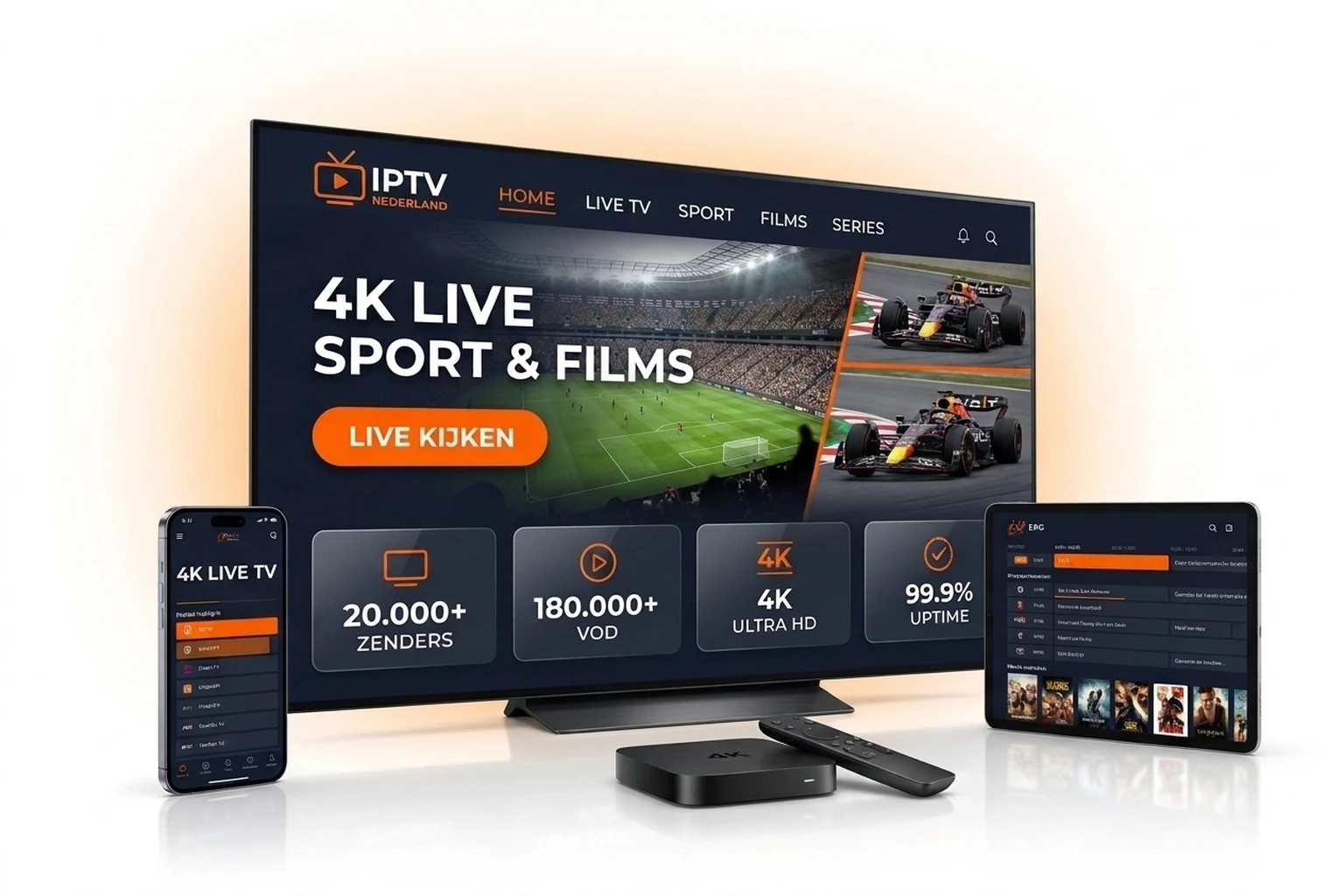
Step-by-Step IPTV Smarters Pro Installation
Step 1: Download the Correct Version for Your Device
Download 'IPTV Smarters Pro' via Samsung App Store, LG Content Store, or Google Play Store. On iPhone, iPad, or Apple TV, search the Apple App Store for 'Smarters Player Lite'. On Amazon Firestick, use the Downloader app to install the APK.
Step 2: Choose 'Login with Xtream Codes API'
Launch the app, select TV or Mobile layout, accept the license agreement, and click 'Login with Xtream Codes API'. This connects much faster and provides better VOD categorization than raw M3U links.
Step 3: Enter Your Nederlandse IPTV Credentials
Carefully copy the credentials sent in your Nederlandse IPTV welcome email or WhatsApp message (watch uppercase letters and avoid trailing spaces):
- Any Name: Nederlandse IPTV 2027
- Username: Your assigned account username
- Password: Your secure account password
- URL (http://...): Full Server URL including port number
Step 4: Load Channels, VOD & Refresh EPG
Tap 'Add User' and click your newly created profile. Within 15 seconds, IPTV Smarters Pro syncs all 20,000+ live channels, 180,000+ movies and series, plus your 7-day TV guide.
IPTV Smarters Pro Device Compatibility Matrix (2027)
| Device / Platform | Official App Name | Installation Method & Tip |
|---|---|---|
| Samsung Smart TV (Tizen) | IPTV Smarters Pro | Free from Samsung App Store (Apps tab) |
| LG Smart TV (webOS) | IPTV Smarters Pro | Free from LG Content Store |
| Amazon Fire TV Stick 4K / Max | IPTV Smarters Pro | Sideload via Downloader app |
| Android TV / Google TV / Mobile | IPTV Smarters Pro | Direct from Google Play Store or APK |
| iPhone / iPad / Apple TV (iOS/tvOS) | Smarters Player Lite | Free in Apple App Store (same Xtream login) |
| Windows 10/11 & macOS Laptop | IPTV Smarters Pro Desktop | Official .exe / .dmg desktop installer |
Pro Tips for IPTV Smarters Pro Settings
Hardware Decoder & Stream Format
Open Settings -> Stream Format and choose 'MPEGTS (.ts)' for wired TVs/boxes, or switch to 'HLS (.m3u8)' when streaming over Wi-Fi or mobile data.
Refresh EPG Before Live Matches
Tap 'Install EPG' or the refresh button inside Live TV so upcoming Eredivisie, Premier League, and F1 broadcasts display accurate schedules.
Use Multi-Screen Mode
Paired with our Multi-Screen IPTV add-on, IPTV Smarters Pro lets you watch up to 4 live sports channels side by side on one display.
IPTV Smarters Pro Frequently Asked Questions
Is IPTV Smarters Pro free to use?
Yes! IPTV Smarters Pro (and Smarters Player Lite on Apple devices) is free for standard Live TV, VOD, Series, and EPG playback without mandatory app activation fees.
Why can I not find IPTV Smarters Pro on iPhone or iPad?
On Apple App Store (iOS, iPadOS, tvOS), the official app is named 'Smarters Player Lite'. It shares the exact same developer and Xtream Codes API login flow.
What is the difference between Xtream Codes API and M3U URL?
Xtream Codes API uses a short server URL, username, and password to automatically sort Live TV, Movies, Series, and EPG schedules with much faster loading.
Can I test a 24-hour free trial inside IPTV Smarters Pro?
Yes! Request a free 24-hour trial on our test page or WhatsApp (+1 737 666 8628) to receive instant Xtream Codes credentials for IPTV Smarters Pro.
Try IPTV Smarters Pro Free for 24 Hours in 4K UHD
Get instant Xtream Codes trial credentials or pick a plan from €12.99/month backed by our 7-day money-back guarantee.
Related Guides & Direct Order
Compare other top IPTV apps or activate your subscription online: