
Install & Set Up IBO Player IPTV (2027)
IBO Player and IBO Player Pro are widely regarded in 2027 as the fastest and cleanest IPTV apps for Samsung (Tizen) and LG (webOS) Smart TVs. Powered by built-in VLC and ExoPlayer decoding, you enjoy instant 4K zapping without an external streaming box. Follow these 4 steps to connect in under 3 minutes.
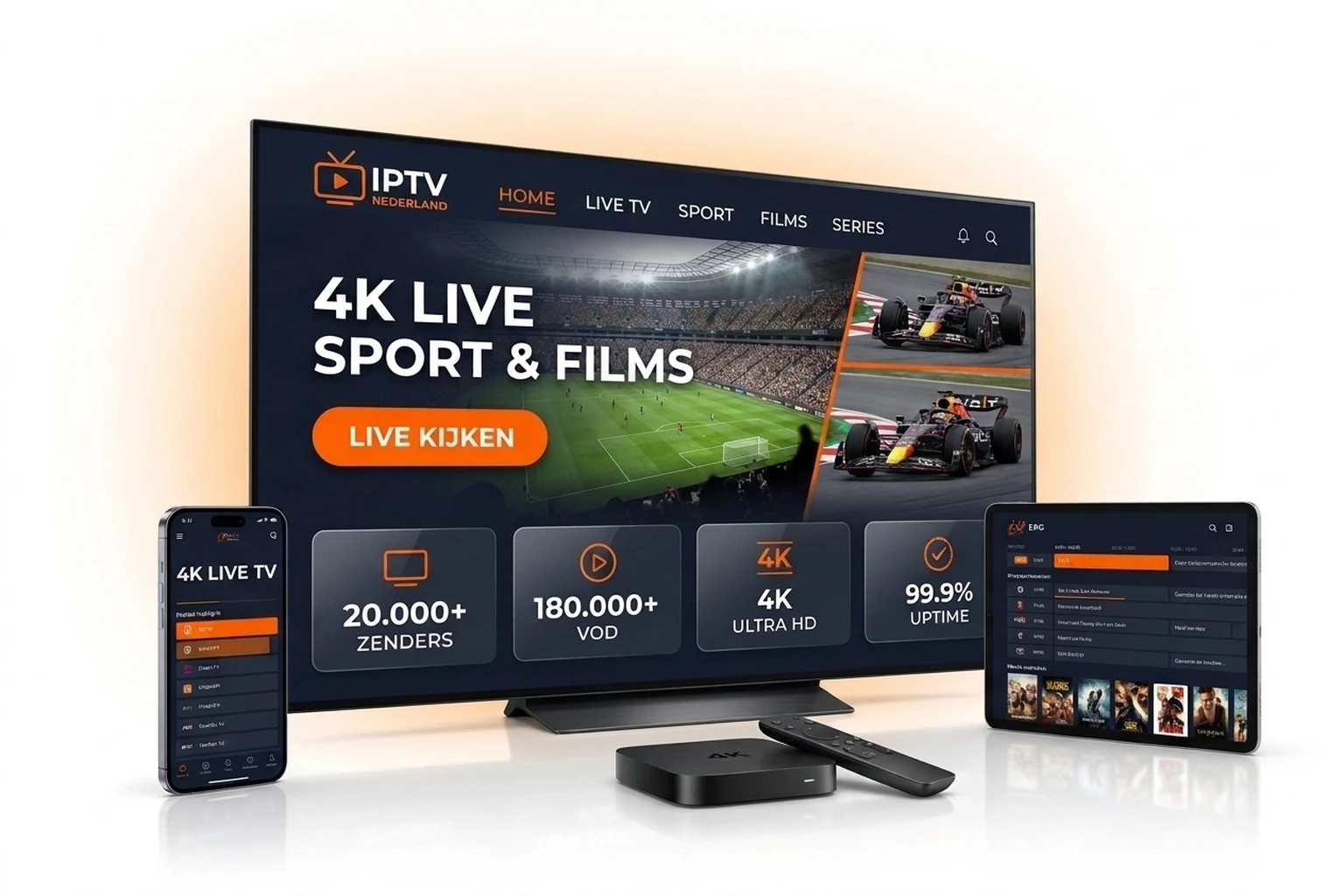
Step-by-Step IBO Player Setup Guide
Step 1: Download IBO Player from Your TV App Store
Open the official store on your device: Samsung Apps, LG Content Store, Google Play Store (Android/Google TV), or Amazon Appstore (Firestick). Search for 'IBO Player' or 'IBO Player Pro' and install it.
Step 2: Copy Your MAC Address (Device ID) & Device Key
Open IBO Player on your television. Your screen will immediately display your unique Device ID / MAC address (e.g., aa:bb:cc:11:22:33) and your 6-digit Device Key. Take a quick photo of these two codes.
Step 3: Add Your Nederlandse IPTV Playlist at iboplayer.com
Open a browser on your smartphone or laptop and go to iboplayer.com/device/login. Sign in with your MAC address and Device Key, click 'Add XC Playlist' (for Xtream Codes) or 'Add Playlist', and enter the details from your confirmation email or WhatsApp:
- Playlist Name: Nederlandse IPTV 2027
- Host / Server URL: Your assigned server URL from welcome message
- Username & Password: Your private Xtream credentials (or full M3U URL)
Step 4: Restart IBO Player & Start Streaming in 4K
Close and reopen IBO Player on your TV (or click Reload). All 20,000+ live channels, sports feeds, and 180,000+ on-demand movies and series will appear immediately with full EPG.
IBO Player Free Trial vs. Activated App + NL IPTV (2027)
| Feature | IBO Player (7-Day App Trial) | IBO Player Activated + NL IPTV |
|---|---|---|
| Developer App License | Free 7-day app evaluation | One-time ~€8 lifetime app fee at iboplayer.com |
| Samsung Tizen & LG webOS Store | Available natively without sideloading | Tuned for 4K OLED & QLED TVs |
| Xtream Codes & M3U Management | Unlimited web portal uploads | Automatic daily channel & VOD sync |
| Built-in Video Engines (VLC / Exo) | Hardware-accelerated decoding | Smooth 60fps for live football & Formula 1 |
| EPG & Multi-Language Subtitles | Custom subtitle & audio tracks | Full 7-day EPG + NL/EN/DE subtitles |
| Parental PIN & Category Lock | PIN lock supported | Full adult/category access control |
Pro Tips for Buffer-Free IBO Player Streaming
Switch Between ExoPlayer and VLC Engine
Under IBO Player Settings -> Player Settings, try switching between Native, ExoPlayer, and VLC if an older Smart TV drops frames on 4K HEVC channels.
Prefer Wired Ethernet or 5GHz Wi-Fi
Many Smart TVs struggle on 2.4GHz Wi-Fi. Plug in an Ethernet LAN cable or connect to your 5GHz band for instant channel zapping.
Let Us Upload Your Playlist Free
Send a photo of your TV screen showing the MAC address & Device Key on WhatsApp (+1 737 666 8628) and our support team will load your 24h trial or subscription for free.
IBO Player IPTV Frequently Asked Questions
Is the IBO Player app free to use?
IBO Player provides a free 7-day app trial. Afterward, the app developer charges a one-time ~€8 lifetime activation fee per TV on iboplayer.com. This app fee is separate from your Nederlandse IPTV subscription.
Does IBO Player work natively on Samsung and LG Smart TVs?
Yes, IBO Player is available directly inside the Samsung Smart Hub and LG Content Store. You do not need an external streaming stick and can use your regular TV remote.
Can Nederlandse IPTV configure my IBO Player remotely?
Yes! When requesting a 24-hour free trial or ordering any plan, simply send your MAC address and Device Key via WhatsApp (+1 737 666 8628) and we will upload your channels within 5 minutes.
Should I pick IBO Player or IPTV Smarters Pro?
For Samsung Tizen and LG webOS Smart TVs, IBO Player generally delivers smoother 4K playback and better subtitle handling. If you also stream on iPhone, iPad, or Windows, IPTV Smarters Pro is a great alternative.
Test IBO Player Free for 24 Hours in 4K UHD
Claim your free 24-hour trial or choose a plan from €12.99/month with complimentary WhatsApp setup help.
More IPTV Setup Guides & Quick Links
Explore tutorials for other apps and devices or activate your plan online: